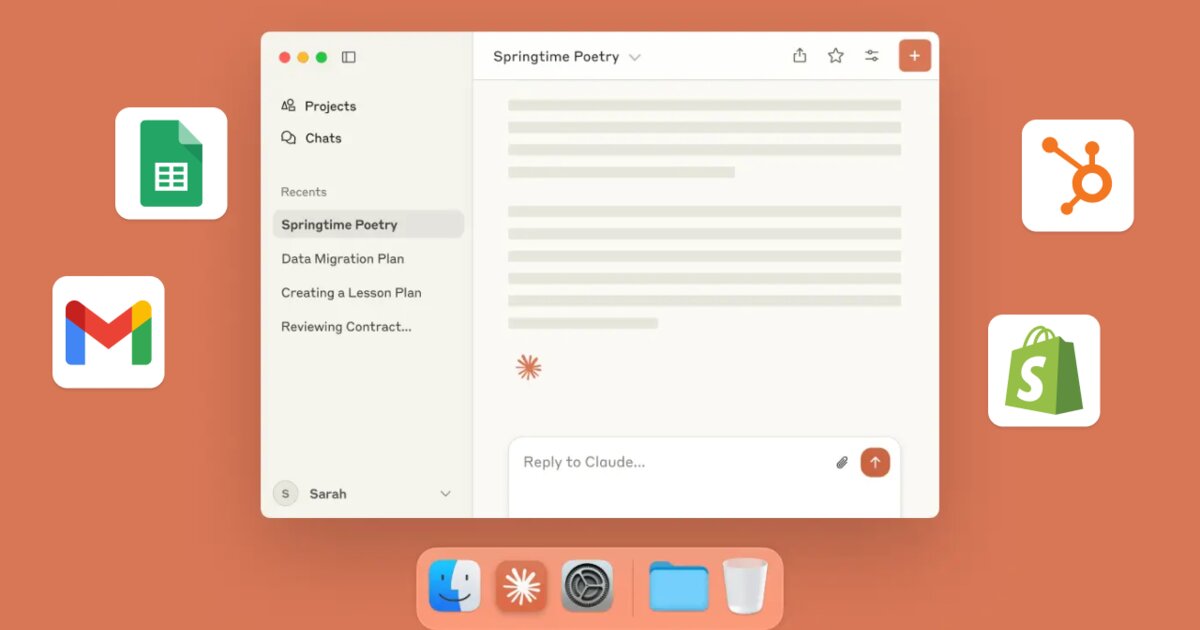
MCP servers are how you give Claude Code superpowers beyond its defaults.
Want Claude to query your database directly? Search your documentation? Control your deployment pipeline? MCP makes it possible.
Here’s everything you need to know to set them up and use them effectively.
What Is MCP?
MCP stands for Model Context Protocol. It’s a standard created by Anthropic that lets AI assistants connect to external tools and data sources.
Think of it like USB for AI. You plug in a server, and suddenly Claude can do things it couldn’t do before. Read from your database. Search your Notion workspace. Create GitHub issues. Whatever the server provides.
The protocol is open. Anyone can build MCP servers. And many already have.
Why This Matters for Vibe Coding
Without MCP, Claude Code is limited to what it can see in your local files and what you paste into the chat.
With MCP, Claude can:
- Query your production database to understand real data patterns
- Search your documentation to answer questions about your own systems
- Access your project management tools to understand what you’re supposed to be building
- Run commands in your specific infrastructure
- Connect to any API through a standardized interface
The gap between “Claude is helping me code” and “Claude understands my entire system” closes dramatically.
How MCP Works
The architecture is simple:
- MCP Server: A small program that exposes capabilities (tools, resources, prompts)
- Claude Code: Connects to MCP servers you configure
- You: Tell Claude to use these capabilities
When you ask Claude something that requires an MCP tool, it automatically calls the right server. Results come back and Claude uses them in its response.
You don’t manage the communication. You just configure which servers Claude can access.
Setting Up Your First MCP Server
Let’s set up a popular MCP server: the filesystem server that gives Claude more advanced file access.
Step 1: Check your Claude Code configuration
MCP servers are configured in your Claude Code settings. The location depends on your installation:
~/.config/claude-code/config.json
Or via the Claude Code settings UI.
Step 2: Add the server configuration
{
  "mcpServers": {
    "filesystem": {
      "command": "npx",
      "args": [
        "-y",
        "@modelcontextprotocol/server-filesystem",
        "/path/to/your/project"
      ]
    }
  }
}
Step 3: Restart Claude Code
After configuration changes, restart to pick up the new server.
Step 4: Verify it’s working
Ask Claude: “What MCP servers do you have access to?”
It should list the filesystem server and describe what it can do.
Popular MCP Servers You Should Know
Filesystem Server
Enhanced file operations. Read, write, search, and navigate files with more capability than the defaults.
{
  "filesystem": {
    "command": "npx",
    "args": ["-y", "@modelcontextprotocol/server-filesystem", "/your/path"]
  }
}
GitHub Server
Interact with GitHub repositories. Create issues, read PRs, search code across repos.
{
  "github": {
    "command": "npx",
    "args": ["-y", "@modelcontextprotocol/server-github"],
    "env": {
      "GITHUB_PERSONAL_ACCESS_TOKEN": "your-token-here"
    }
  }
}
PostgreSQL Server
Query your PostgreSQL database directly. Claude can explore schemas, run queries, understand your data.
{
  "postgres": {
    "command": "npx",
    "args": ["-y", "@modelcontextprotocol/server-postgres"],
    "env": {
      "POSTGRES_CONNECTION_STRING": "postgresql://user:pass@host:5432/db"
    }
  }
}
Slack Server
Search and post to Slack. Useful when you need Claude to understand context from team conversations.
Puppeteer Server
Browser automation. Claude can navigate websites, take screenshots, extract data from web pages.
Memory Server
Persistent memory across sessions. Claude can store and retrieve information from previous conversations.
Building Your Own MCP Server
If existing servers don’t do what you need, you can build your own. The SDK supports TypeScript, Python, and other languages.
Here’s a minimal TypeScript example:
import { McpServer } from "@modelcontextprotocol/sdk/server/mcp.js";
import { StdioServerTransport } from "@modelcontextprotocol/sdk/server/stdio.js";

const server = new McpServer({
  name: "my-custom-server",
  version: "1.0.0"
});

// Define a tool
server.tool(
  "get_weather",
  "Get current weather for a city",
  {
    city: {
      type: "string",
      description: "City name"
    }
  },
  async ({ city }) => {
    // Your implementation here
    const weather = await fetchWeather(city);
    return {
      content: [{ type: "text", text: JSON.stringify(weather) }]
    };
  }
);

// Start the server
const transport = new StdioServerTransport();
await server.connect(transport);
Build the server, configure Claude Code to run it, and now Claude has a new tool.
Real-World Use Cases
Case 1: Database-Aware Development
Connect the PostgreSQL server to your development database. Now when you ask Claude to “add a feature to filter users by signup date,” it can:
- Check the actual schema of your users table
- Understand what indexes exist
- Write queries that work with your real data structure
- Verify the query runs successfully
No more pasting schema definitions. Claude sees the real thing.
Case 2: Documentation Search
Build an MCP server that indexes your internal documentation. When Claude is helping with a task, it can search your docs for relevant information.
“How do we handle authentication in this project?”
Instead of you explaining, Claude searches and finds the answer in your own documentation.
Case 3: Deployment Integration
Create an MCP server that wraps your deployment CLI. Claude can:
- Check deployment status
- View recent deployment logs
- Trigger deployments (with appropriate safeguards)
- Rollback if something goes wrong
The AI becomes aware of your infrastructure, not just your code.
Case 4: Issue Tracking
Connect to Jira, Linear, or GitHub Issues. Claude can:
- Find issues related to what you’re working on
- Create new issues when it discovers bugs
- Update issue status after fixing things
- Understand project priorities when making decisions
Security Considerations
MCP servers are powerful. That power requires caution.
Principle of least privilege: Only give MCP servers access to what they need. Don’t connect production databases if development works.
Credential management: Use environment variables for secrets, not hardcoded values. Consider secrets managers for team setups.
Read-only where possible: If Claude only needs to read from a database, use a read-only connection. Limit write access to cases where it’s actually needed.
Audit logging: Some MCP servers support logging. Enable it to see what Claude is actually doing with your connected systems.
Network isolation: Run MCP servers in environments where they can only access intended resources. Don’t let a compromised server reach your entire network.
Troubleshooting Common Issues
Server won’t connect:
- Check the command and args are correct
- Verify the server package is installed or npx can find it
- Look at Claude Code logs for error messages
- Try running the server command manually to see errors
Server connects but tools don’t work:
- Verify environment variables are set correctly
- Check that credentials have the right permissions
- Test the underlying service (database connection, API access) independently
Performance issues:
- Some servers are slow. Consider caching or optimization.
- Large result sets can overwhelm context. Limit what servers return.
- Network latency to external services adds up.
Master Claude Code
Learn advanced Claude Code techniques including MCP servers, prompt engineering, and more.
Get the CourseThe Future of MCP
MCP is still early. The ecosystem is growing quickly.
The vision: an AI assistant that understands not just your code, but your entire development workflow. Your databases, your docs, your deployment, your project management, your monitoring. All connected through a standard protocol.
We’re not there yet. But the foundation exists. Early adopters who learn MCP now will have an advantage as the ecosystem matures.
If you’re serious about vibe coding, MCP servers are worth understanding. They transform Claude from a smart code helper into an AI that truly knows your system.
Start with one server. See how it changes your workflow. Then add more as you discover needs.
The gap between what Claude can do and what you need it to do is about to get much smaller.